A useful framing
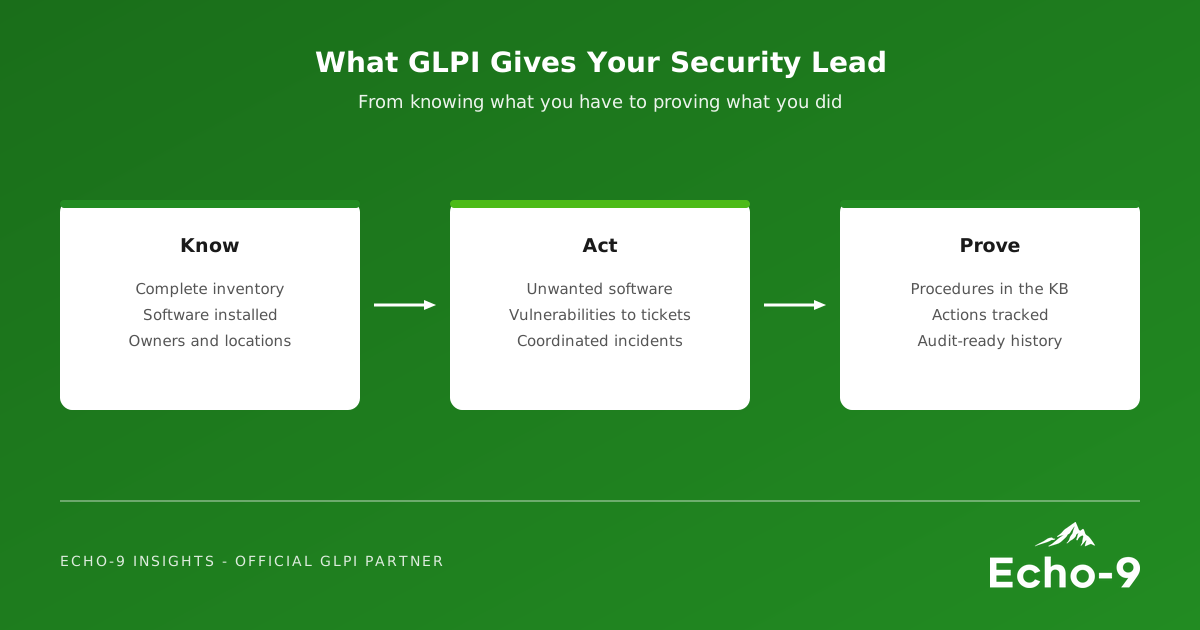
French GLPI trainer and consultant Patrice Vaillant writes a regular series, Les Mercredis GLPI. Number 14, based on GLPI's official online resources, asks how GLPI can help a CISO secure the information system. He sets it out in seven acts: know the system; identify unwanted software; move from detecting a vulnerability to correcting it; use GLPI 12's new security features; coordinate teams during a security incident; use the modernised knowledge base; and steer security actions and prepare for audits.
Most UK organisations in our sectors do not have a full-time CISO. They have an IT manager with security in their job description, a head of IT who reports cyber risk to the board, or a shared security lead across a trust or group. The framing works just as well for them.
Know what you have
Every security framework starts with an inventory. GLPI, with the GLPI Agent and network discovery, builds and maintains one automatically: hardware, installed software, users, locations and network devices. The security lead does not need another spreadsheet; they need read access to a register the service desk already keeps current.
Find the software that should not be there
Patrice asks a pointed question: do you really know which software is installed on your organisation's computers? GLPI's software inventory answers it. The software dictionary normalises names, versions and publishers as they are imported, so one product is not counted under twenty spellings, and can be set to ignore entries you do not want imported. With clean data, searches and dashboards show where unapproved, unsupported or end-of-life software sits, and tickets can be raised to remove it.
Turn findings into tracked work
A vulnerability report is only useful if each finding becomes an owned, time-bound action. In GLPI that means a ticket or change linked to the affected assets, assigned to the right group, with a deadline. When a security tool such as Wazuh is integrated, findings can arrive as tickets automatically. The result is something a security lead rarely has: a live view of what is outstanding, who owns it and how late it is.
Secure the platform itself
GLPI holds a map of your estate, so it must be well protected. GLPI 12 adds session tracking and revocation, step-up authentication for sensitive administrative actions, requests to the internal network blocked by default, a mandatory choice of authentication method for inventory, and a dedicated Security menu for password policy and two-factor authentication. A Data and Privacy menu centralises retention and purge rules.
Coordinate the incident, keep the knowledge
During a security incident, GLPI gives a single record of who did what and when: tasks across teams, linked assets, and a timeline that becomes the post-incident report. GLPI 12's rebuilt knowledge base makes response procedures and user-facing FAQs easier to write, find and keep up to date, with version comparison to show what changed.
Steer and prove
Finally, dashboards and reports turn this into evidence: assets covered, software removed, vulnerabilities closed on time, incidents handled. When the auditor, the board or a funder asks, the answer is already in the system, not reconstructed from email.
How Echo-9 helps
Echo-9 works with UK public sector bodies, schools, charities and mid-size organisations to set GLPI up for their security lead as well as their service desk: a software dictionary that produces clean data, views and dashboards for security, integration with Wazuh and Zabbix, and GLPI itself hardened and patched. Our unified stack article shows how the pieces fit together.
Security starts with an inventory. Your service desk already has one.
Give your security lead a better view
We would welcome a conversation about what GLPI could show your security lead, using the data you already collect.